

Adobe Photoshop Advanced – 1 Day
Course level: Intermediate to Advanced
Difficulty Level: Intermediate
Dates & cost
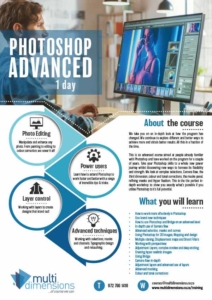
We take you on an in-depth look at how the program has changed. We continue to explore different and better ways to achieve more and obtain better results. All this in a fraction of the time.
This is an advanced course aimed at people already familiar with Photoshop and have worked on the program for a couple of years. Take your Photoshop skills to a whole new power journey whilst discovering new ways to harness its flexibility and strength. We look at complex selections, Camera Raw, the third dimension, colour and tonal corrections, the masks panel, refining masks and Hyper Realism. This is the the perfect in-depth workshop to show you exactly what’s possible if you utilise Photoshop to it’s full potential.
What you will learn…
- How to work more effectively in Photoshop
- Use brand new techniques
- How to use Photoshop and Bridge on an advanced level
- In-depth use of Camera Raw
- Advanced selection, masks and curves
- Using Photoshop for 3D Images, Mapping and design
- Multiple cloning, Displacement maps and Smart Filters
- Working with perspectives
- Adjustment Layers, complex strokes and deep etching hair!
- Creating hyper realistic images
Topics discussed…
- Using Bridge
- Camera Raw in-depth
- Adjustment layers and advanced use of layers
- Advanced masking
- Colour and tonal corrections
- Advanced photo retouching
- Actions and multi processing of images
- Output for print and web
- Advanced vanishing point filters
- Case studies: Using ultra advanced techniques
Any Questions?
Who we have trained:


